trouble in paradise (pt4) - no opnsense gui for you, tailscale said.
Intro
Ok, so I finally got some time to (re)configure my firewall again, this time again with opnsense and vlans and crowdsec and yadayada. And again I ran into the issue that the opnsense management gui is not available over the tailnet. Hmm…
The problem.
I tried the regular things, checking the tailnet access permissions (since Im am going to have a fairly restrictive model) 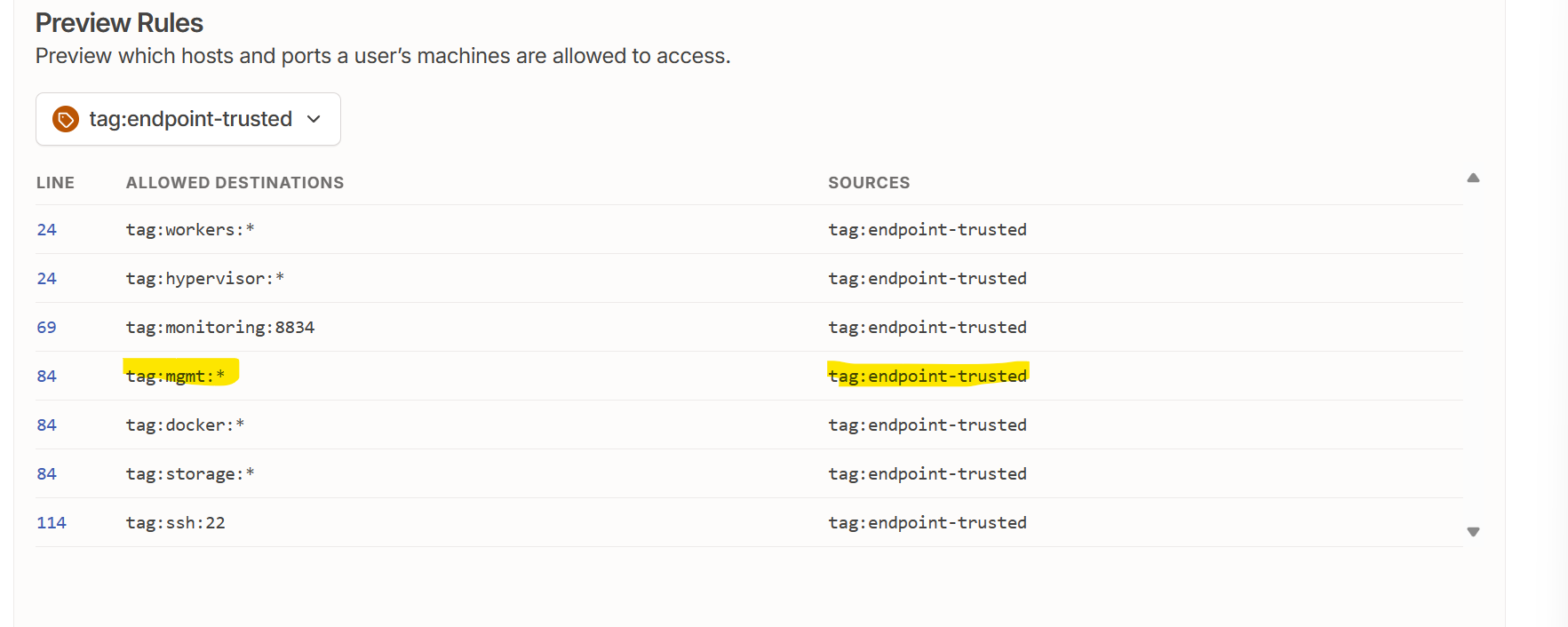 the tailscale interface firewall rules,
  that the tailscale interface is an allowed listener….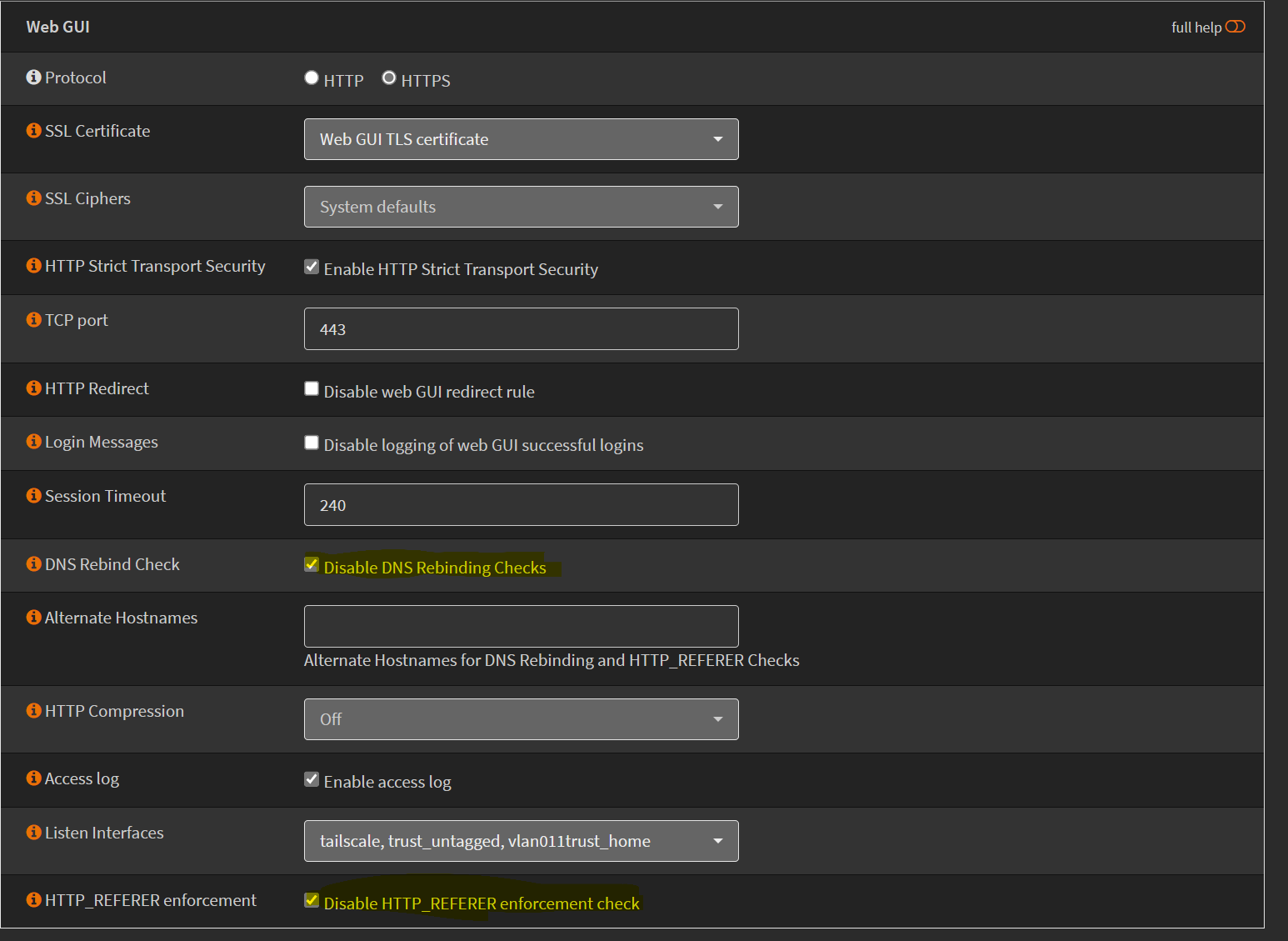
But to no avail. It still wasn’t working. Some googling and dorking about later and i found this thread on Reddit
According to the post, asymmetric routing is the culprit. M’ok, sounds plausible and it works for me by changing the CIDR to /10 and keeping the above as they are indeed necessary.
One might need to disable DNS rebinding checks/HTTP_REFERER checks as I’ve done in the pix or do some other magic if you like me, are NOT running split DNS. I run all(?) dns in cloudflare, even local homelab dns records.
What now?
All is good in tailscale land and I can keep the opnsense GUI off regular lan, most vlan etc. Feels nice doesn’t it. Just need more time to start rolling out the main tailscale node filtering and I’m gonna be happy.
Addendum
Apparently not so easy. The web GUI stops listening on the tailscale interface from time to time and needs a restart. Have not tracked down the why yet, but one can easily restart the web GUI via cron or similar.
As can be seen below, web GUI listens on localhost, the untagged interface, the tagged home interface but nothing more. After the restart, the web GUI listens on the tailscale interface again. Mighty irritating.
1
2
3
4
5
6
7
8
9
10
11
12
13
14
ka@wally-wombat:~ $ sudo sockstat -l4|grep 443
Password:
root     lighttpd   79854 7  tcp4   127.0.0.1:443         *:*
root     lighttpd   79854 10 tcp4   192.168.1.1:443       *:*
root     lighttpd   79854 12 tcp4   192.168.11.1:443      *:*
ka@wally-wombat:~ $ sudo /usr/local/etc/rc.restart_webgui
Starting web GUI...done.
Generating RRD graphs...done.
ka@wally-wombat:~ $ sudo sockstat -l4|grep 443
root     lighttpd   75954 7  tcp4   127.0.0.1:443         *:*
root     lighttpd   75954 10 tcp4   100.110.203.26:443    *:*
root     lighttpd   75954 11 tcp4   192.168.1.1:443       *:*
root     lighttpd   75954 13 tcp4   192.168.11.1:443      *:*
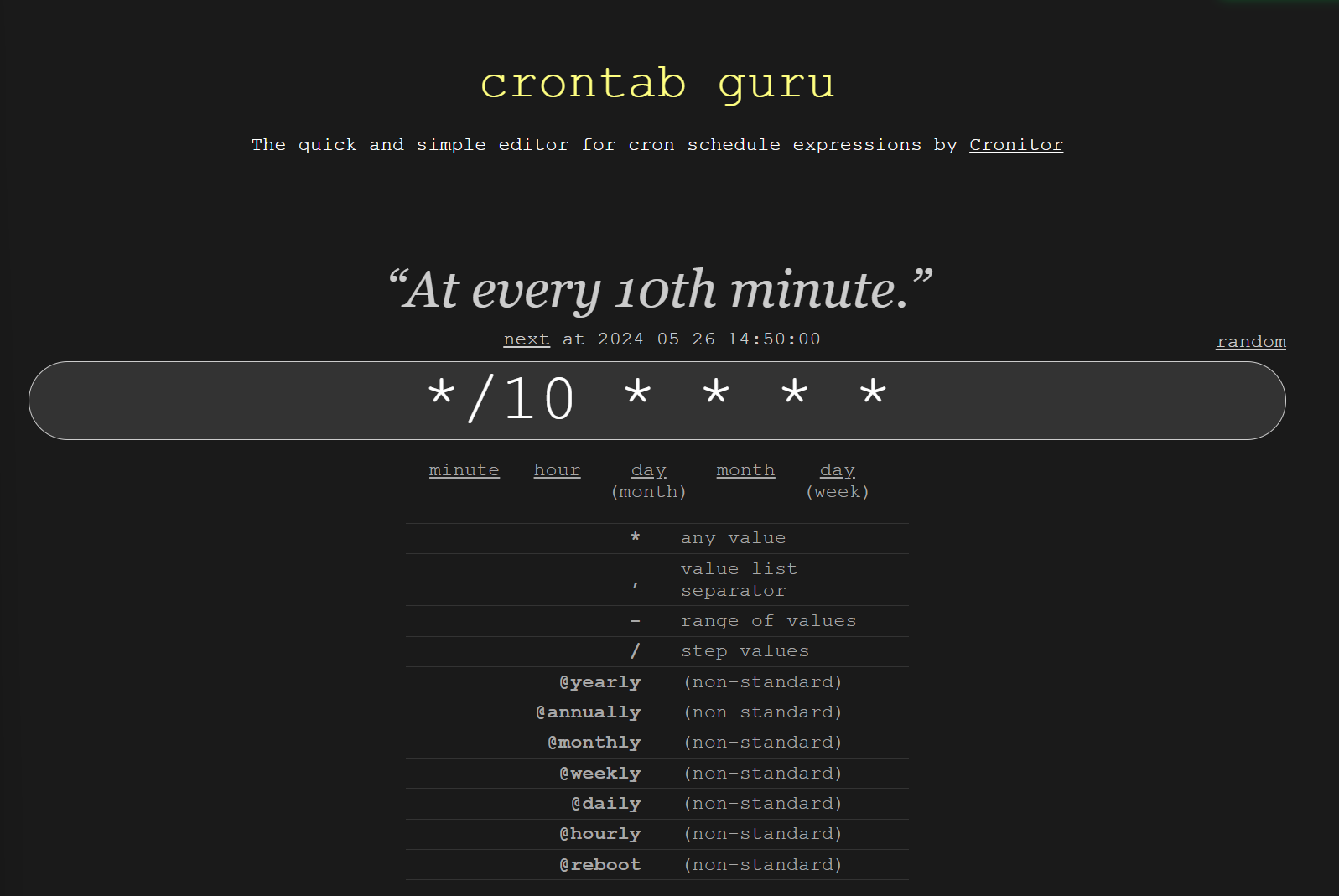
For the time being I’ll settle for a cron job restarting the web GUI every 10 minutes. (HEY, use the excellent crontab.guru if you are cron challenged like me.
Until next time!