review (pt1)- unsatisfactory hardware, gah
Intro
Aight, so I finally found somewhat of a solution to a problem I’ve had for some time. The ever elusive “how to solve the server in the closet connectivity and access if all breaks”-problem. Now, granted, I’ve not really had that much of a problem like this since more or less all of the service i build in homeops are for myself, not even the gf consumes them.
My problem is easier than that, if I break something (something which happens more often than I’d like to admin) I get reeaaaalllly frustrated pulling hdmi-cables from tv-sets to have display for the server and dig out the usb octopus cable connectors for keyboard, usb memory stick, mouse in that order. Cant do it anymore, just so much frustration to deal with.
So, I’ve been looking towards the piKVM product and it’s similar siblings, but it’s simply to expensive, and yes I like tinkering. But no I dont want to tinker with this and buy hats and accessories and install software etc. I just want it to work, that is ok sometimes too!
So I found the Aurga Viewer , an hdmi hotspot device for cheap(er)…
The product
Well, to start with it’s small, 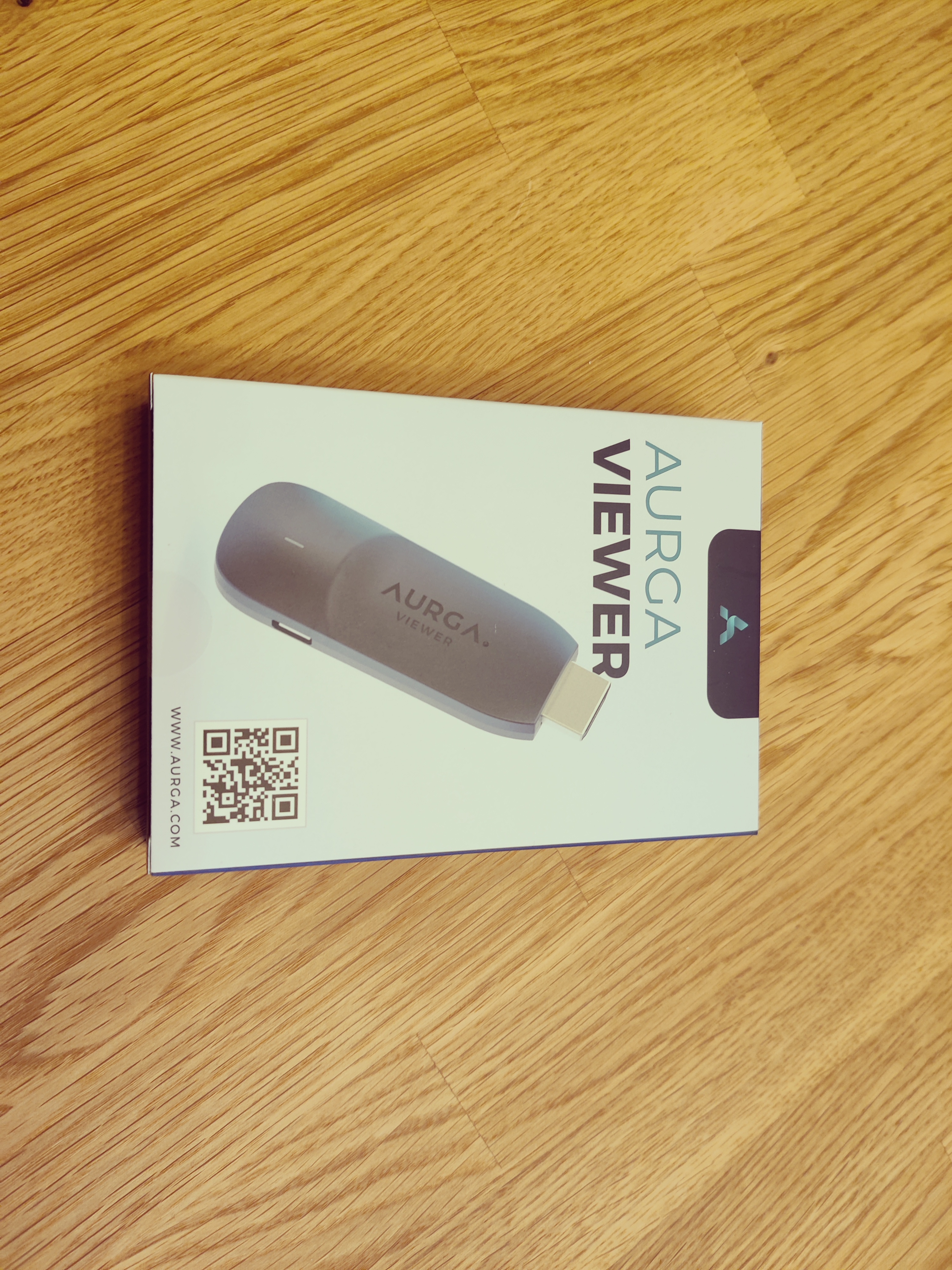 but that’s to be expected as it only needs the hdmi-port and usb for power.
Barely any accessories; 
And, yes, it’s really small; 
It fits snug as a bug on the backside of my PN51 XCP-NG installation; 
But then of course, cue the….FRUSTRATIONS. One thing I truly hate are consumer products which are; 1.missing documentation. 2.have incorrect documentation. 3.have process flows which are illogical. 4.do not function in a basic way, as one would expect from similar products.
Case in point;
The user is supposed to reset the Viewer from the start, fine. I did, and still had a blinking red LED. Only a solid red LED is described. Now, granted, this is apparently due to how both my ASUS PN5x-nodes sleep their screens, or just pause the screen signal, so a newly plugged in hdmi device does not pick up the signal.
but what does the red LED mean? it’s still not documented.
Oh, wait, but it is. There is an unofficial real manual? apparently.
Do you feel it? Do you feel the shudders?.
So, after some initial frustrations, the Viewer tested and working I added a password. And nah, you cant press enter here 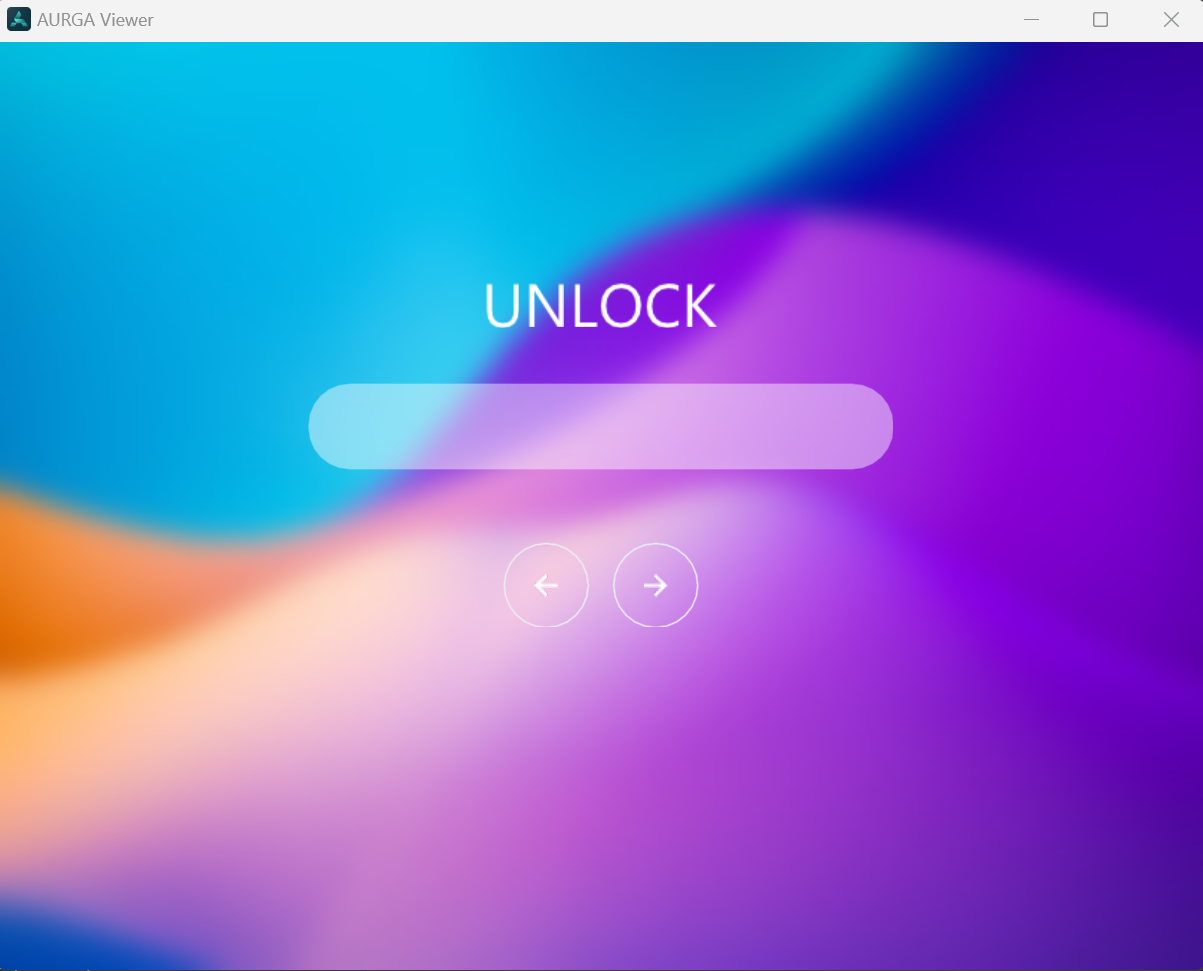 you need to… press the right arrow. Because you want to go right, forward in the process…. like what? But ok, I guess I can live with that irritant.
So, final touches, move the device to the iot-vlan. Done. And check all things work one more time. And…. Nothing. Like, really nothing! 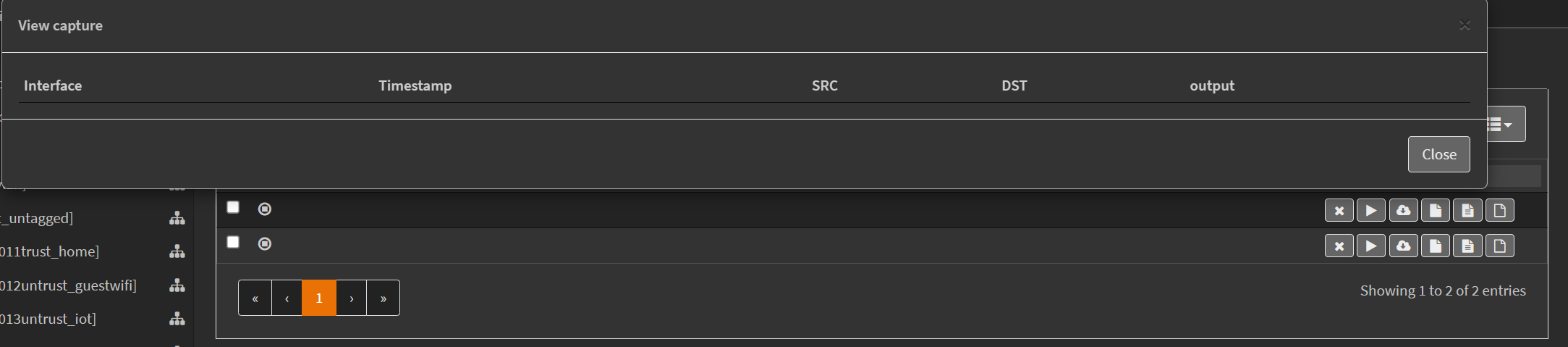 My opnsense interfaces get no traffic on the interface according to packet capture…. curious.
But not really, since my laptop seems to do…nothing. Another kind of nothing 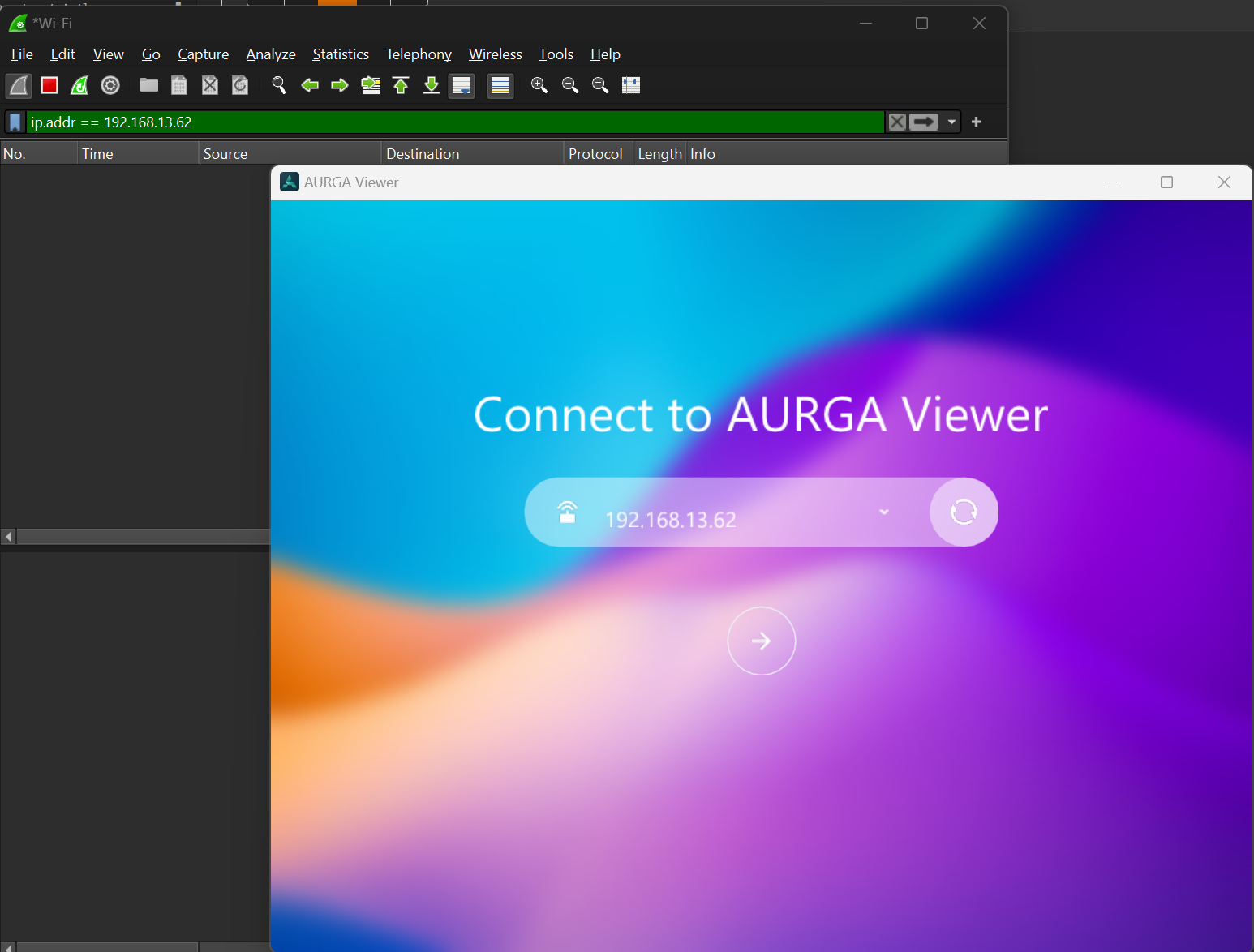 I checked that packet captures on the interface worked just to make sure and sure enough, the HA-installation in the iot-vlan gets traffic from my home vlan.
OK, well guess I’ll live with the fact that I won’t be able to reach the Aurga across vlans, I’ll just have to move there with my laptop when there is a need.
Apparently the Viewer application can only connect to ip:s in the host-machines subnet? Since nothing happens or can be tracked by wireshark or packet capture when you try to move forward in the connection process, that’s my guess.
Closing thoughts
It’s not cheap, but it solves my immediate problems and frustrations now (hey look an XCP-NG console with no hands!!!) 
But it’s no smooth setup, it does not play well with my overall methodology and more or less irritates me…
2.5/5 - would not buy again.